
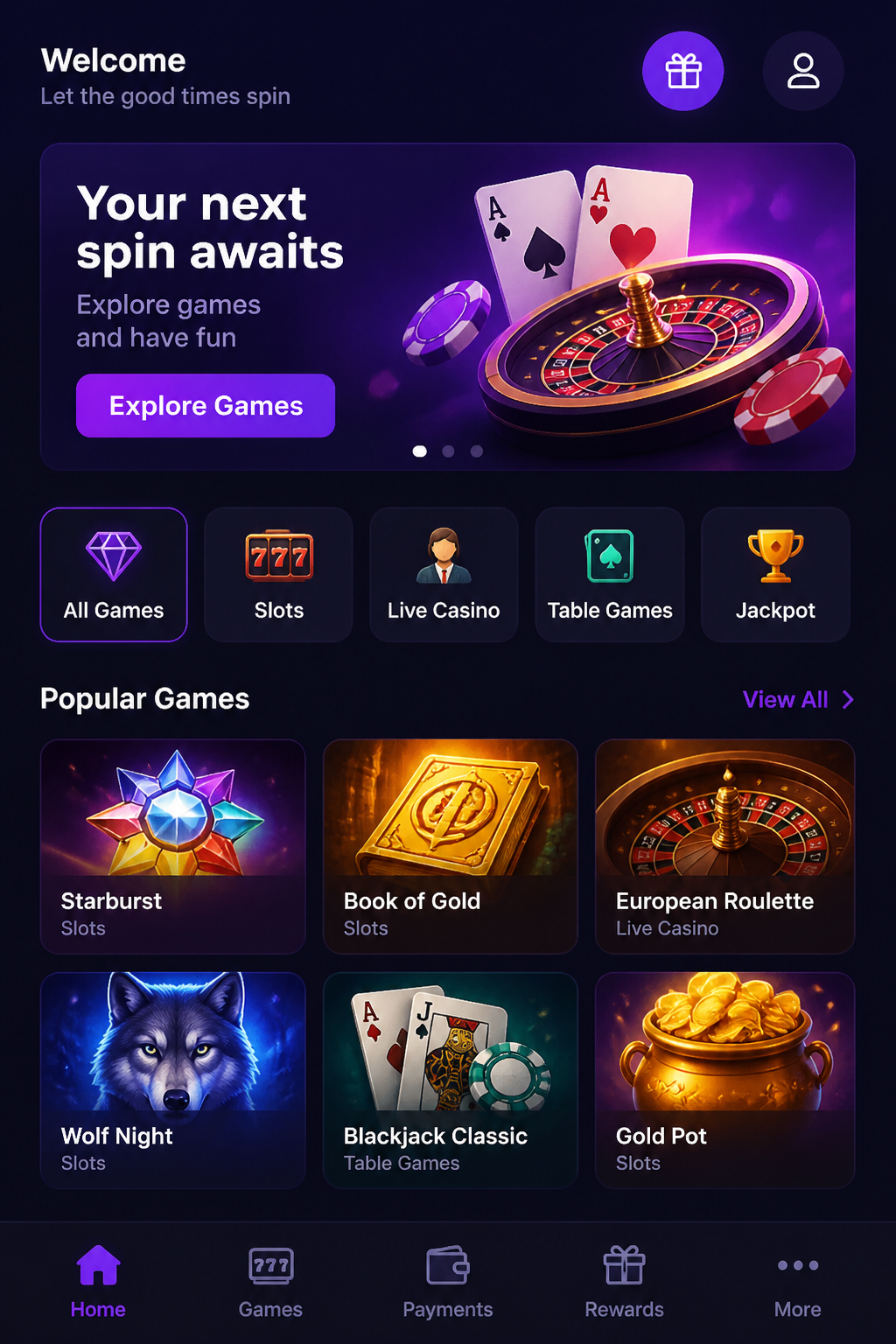
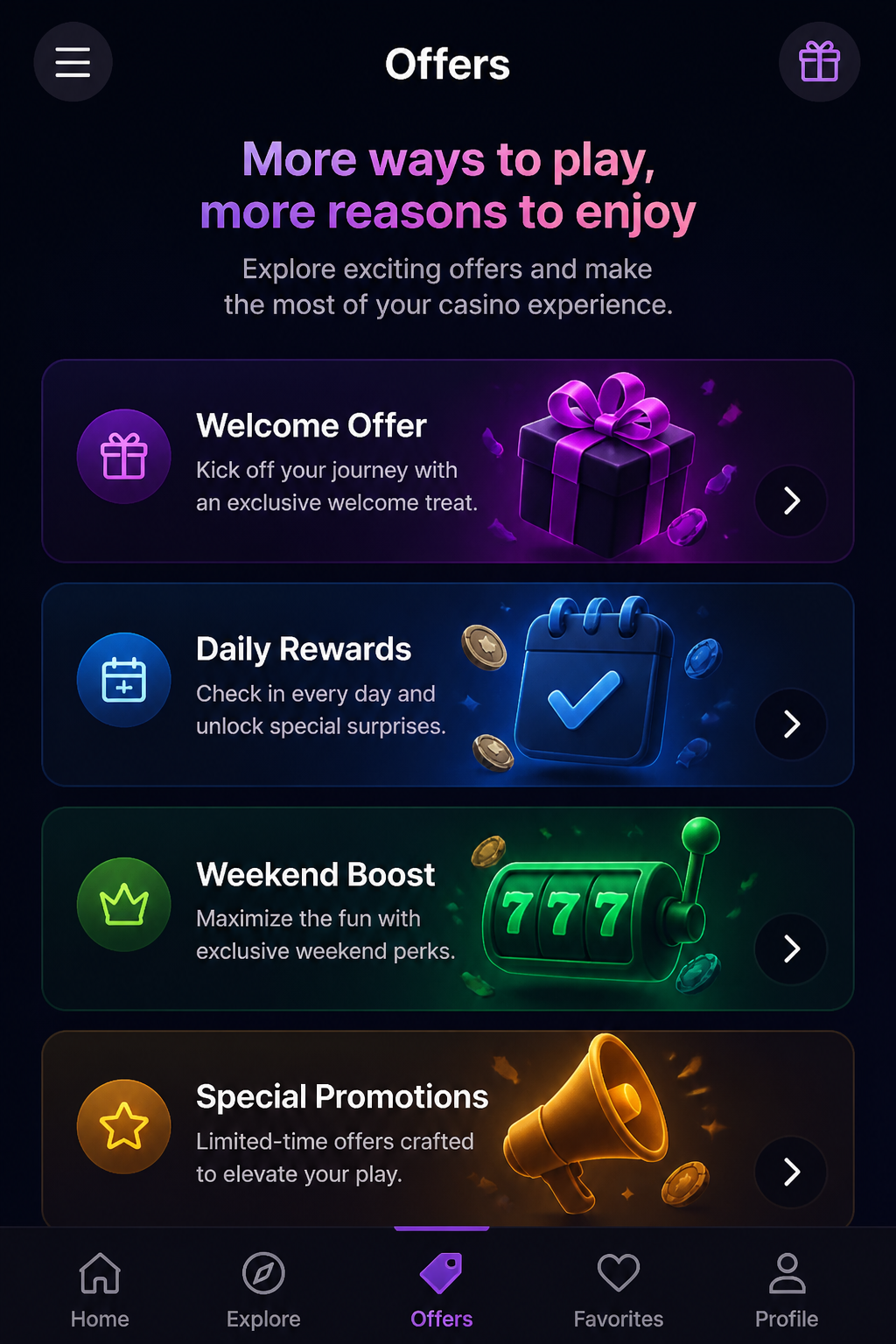
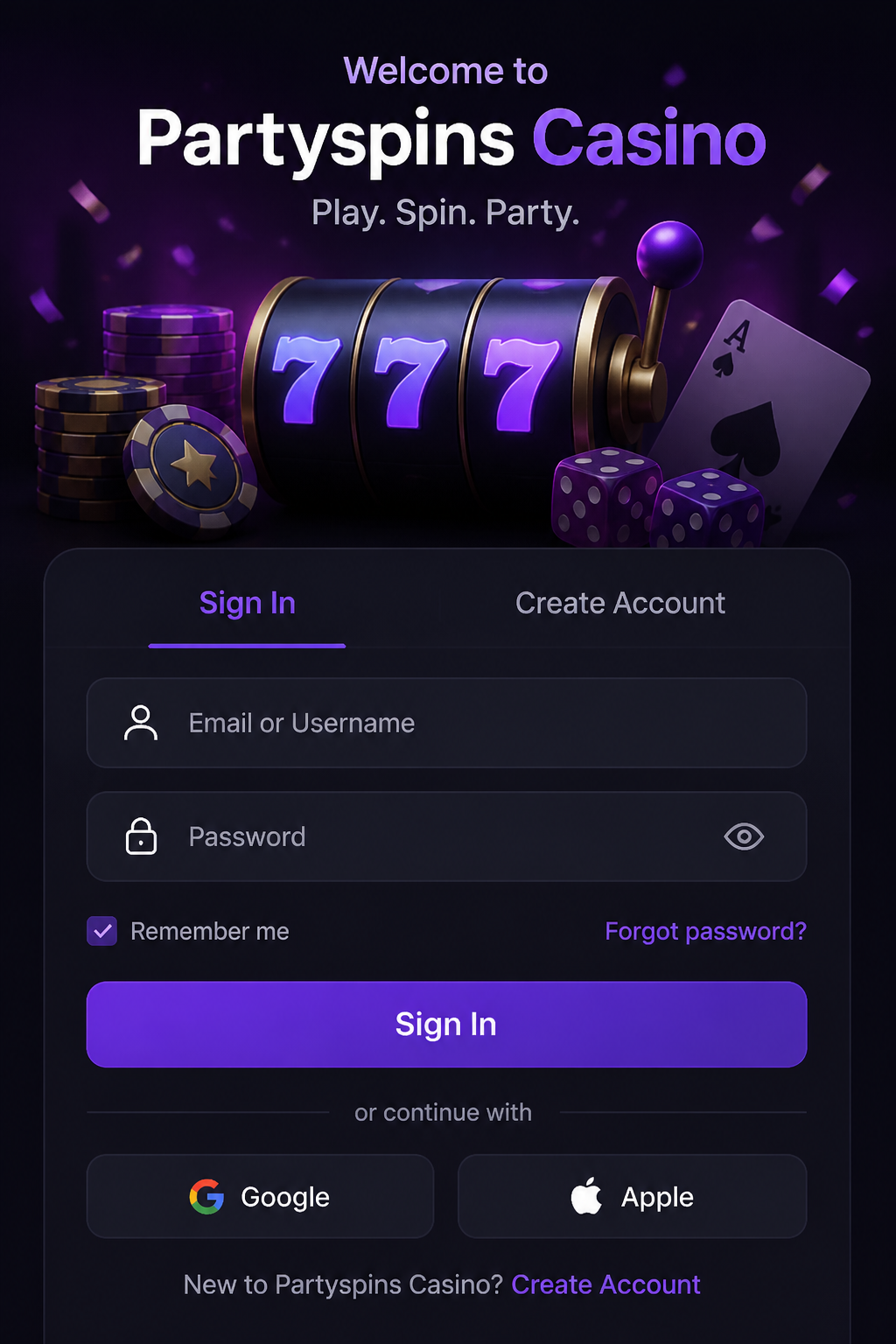
A good mobile casino experience starts with legible controls, secure access and easy navigation. Partyspins can be discussed from that perspective without assuming every feature advertised by third parties is currently available.
A separately downloadable official Partyspins app has not been independently verified. We therefore focus on browser-based considerations, device safety and the steps players can take when a mobile session behaves unexpectedly.
| Mobile channel | Website through a browser |
| Official app | Not independently verified |
| Devices | iPhone/Android; browser dependent |
| Games | Check rules and stake controls |
| Account access | Use secure sign-in and sign-out |
| Payments | Methods depend on account region |
Start with the mobile site

Evaluating Partyspins on a phone begins with the interface the visitor can actually access. Can the lobby be navigated? Are settings easy to reach? Do important terms remain readable on smaller screens? Those questions matter more than a decorative app graphic.
An official downloadable Partyspins application has not been independently confirmed. That does not establish that browser use is unavailable; it simply means an app installation should not be described as a verified feature.
Begin with pages that do not require personal details or payments. Navigation, readable text and accessible contact information can already reveal a great deal about the mobile experience. It does not need dramatic animations to be useful. If basic controls are unclear, more sensitive tasks such as payment or identity verification may become unnecessarily difficult.
Browser shortcuts and installed applications

A browser can sometimes place a website shortcut on a home screen. That may feel like an app, but it remains a different product from an independently distributed iOS or Android application. A shortcut does not demonstrate that the operator publishes native software.
Avoid unknown installation packages and verify a publisher before entering credentials. A professional-looking download page is not proof that a file is safe or connected to the intended service.
A home-screen shortcut does not carry the same publisher verification as an application distributed through a recognised store. The browser, website and device still determine how content is displayed. Keep the browser updated. An offer to install software through an unfamiliar channel is a reason to verify the source before proceeding.
Finding essential controls quickly

Small-screen navigation should make it straightforward to move between games, account settings, the cashier and support. Hidden menus can turn an ordinary task into unnecessary guesswork, particularly when a player wants to review a balance or request a withdrawal.
Watch for controls that sit too close together or shift as advertisements load. A functional layout supports deliberate choices and reduces the risk of accidental taps involving money.
In the cashier, test whether a payment can be cancelled clearly before final authorisation. Unexpected screen transitions can create uncertainty about whether a transaction has gone through. A back button should not leave a user guessing about the status. Predictable behaviour matters most when an action affects money or account security.
Slot controls on a smaller display
A slot may rearrange its controls on mobile. Game rules can move behind an information button, while stake settings or special features may be less visible than on desktop. Take time to identify the essential controls before starting a round.
Visual stuttering does not by itself establish how a game result was determined. The device, browser and network can all affect presentation. If the screen freezes, check the recorded game history before attempting the action again.
Rotating a phone can shift stake buttons and game controls. This is particularly relevant in titles with multiple optional features. Check whether rule panels can be opened without hiding important amounts. Do not confirm a financial action when the interface makes the stake or balance ambiguous.
Live games and connection quality
Live-dealer formats often involve continuous video, which can make an unstable connection more noticeable. A live table may also use different stake limits from an automated version of a similarly named game.
Do not increase stakes to compensate for delayed video or a missed interface update. A connection interruption does not make outcomes more controllable. It is more sensible to pause until the game state is clearly visible again.
Video streaming can use significant mobile data, depending on quality and duration. A single usage figure would not describe every device or network, so this guide does not invent one. Avoid placing bets on a live table when the connection makes the stake or current round state difficult to follow.
A mobile cashier should make amounts clear
Depositing on a phone can be convenient, but the final amount, currency and any fees must remain visible. Confirm that the payment flow belongs to the intended service and that the chosen method is available for the account's jurisdiction.
If a confirmation is delayed, avoid immediately submitting the same payment again. Review the bank status and account history first. A temporary display issue should not become a duplicate transaction.
When a payment redirects to a bank or provider, check the account state after returning before pressing the payment button again. A confirmation can take time to appear. Looking for the original debit and reference number can prevent unnecessary confusion or duplicate payments.
Protecting access on a personal device
Mobile casino accounts can expose personal details and payment history. Use a device lock, a unique password and additional authentication when genuinely supported. Saved logins and open sessions deserve extra care on shared phones or tablets.
Avoid sign-in links in unsolicited messages asking for a verification code. Support staff should not need a password to investigate an account question, and a convincing logo is not proof that a message is genuine.
Consider limiting financial notifications on the lock screen. Screenshots can reveal sensitive account details too. Protect access to the device, but never provide an unlock code to someone claiming to verify a gambling account. Genuine verification should use a secure, clearly identified process.
Responding to a frozen game
A frozen screen does not automatically mean a stake has disappeared, but repeating a wager immediately can create confusion. Record the time, game title and relevant amount. Check the game history when access is restored and contact support if the recorded outcome is unclear.
A screenshot may help document the status, provided unnecessary personal information is not shared. A factual record is more useful than guessing at the cause of a technical problem.
A support request about a frozen round should be specific enough to investigate. State what appeared on screen and when it happened. Recorded game history is more reliable than memory of an animation. Ask whether the round was financially processed instead of drawing conclusions from a loading indicator.
Notifications can undermine a time limit
A mobile device is always within reach, so promotional messages can make repeated visits easier than intended. Turn off distracting alerts and set a session end time before starting. Having access everywhere does not make gambling a suitable activity for every spare moment.
When taking a break, sign out and close the browser tab. Removing shortcuts from the home screen may also help reduce impulsive return visits.
A promotional countdown can create artificial urgency. Your existing commitments should take priority over notifications from a gambling website. A message does not create an obligation to return. Turning off a notification can be a simple and effective way to keep gambling separate from work, travel or social time.
A mobile review based on observable features
Practical mobile quality can be assessed through a small set of visible tasks: navigation, readability, secure access, accessible game rules and clear payment screens. Those observations are more credible than relying on an unverified claim about downloadable software.
If essential terms are hard to read on your device, delay any account or payment decision. Smaller screens should not make important conditions effectively invisible.
Important information should remain visible without awkward zooming or horizontal scrolling. Bonus terms, withdrawal procedures and security settings are not minor decorative details. If a crucial button is missing or a sentence is cut off, users may lack information required for an informed decision. Accessibility is therefore part of practical reliability.
Final points to remember
Mobile convenience should never be mistaken for an obligation to play wherever a phone happens to be available. Poor connectivity, low battery power or a distracting environment can make financial details and round status harder to follow. It is reasonable to delay a transaction until the screen and connection are reliable.
The Partyspins mobile guide therefore does not invent a download button, app-exclusive promotions or guaranteed performance figures. The emphasis remains on observable browser behaviour, readable terms and control over account access. A good mobile experience should allow players to stop, review information and return safely after an interruption.
For an additional practical check, open the game information panel, the transaction history and the account controls separately on the phone you actually intend to use. The quality of a mobile interface is often revealed by those routine journeys rather than its opening animation. If a browser update changes the layout, check that key settings remain accessible before making another payment. No experience on one device can be assumed identical to all other handsets or networks.